
acf domain was triggered too early. This is usually an indicator for some code in the plugin or theme running too early. Translations should be loaded at the init action or later. Please see Debugging in WordPress for more information. (This message was added in version 6.7.0.) in /home/u620638867/domains/addonitsolutions.com/public_html/overizon/wp-includes/functions.php on line 6131wpso-sort-order domain was triggered too early. This is usually an indicator for some code in the plugin or theme running too early. Translations should be loaded at the init action or later. Please see Debugging in WordPress for more information. (This message was added in version 6.7.0.) in /home/u620638867/domains/addonitsolutions.com/public_html/overizon/wp-includes/functions.php on line 6131

Budgeting
Create a detailed budget that includes costs for equipment, talent, location, and post-production. Timeline Develop a production schedule with key milestones and deadlines.
Team Assembly
Choose the director, producer, cinematographer, and other key crew members.
Casting
Audition and select actors or presenters.
Equipment List
Decide on the cameras, lighting, audio equipment, and other gear needed.
Location Scouting
Visit and select appropriate locations for shooting.
Permits and Licenses
Secure any necessary permits or licenses for shooting at chosen locations
Creative Preparations
Create a visual representation of each scene.
Art Direction
Decide on costumes, makeup, and set design.
Rehearsals
Conduct rehearsals to prepare the actors and crew.
Travel and Accommodation
Make arrangements for crew and equipment transportation and lodging if needed.
Catering
Plan meals and snacks for the shoot days.
Pre-Production Meeting
Conduct a final meeting to review all plans and distribute call sheets.
Equipment Check
Test all equipment to ensure it's in working condition.
Backup Plans
Prepare for contingencies like bad weather or equipment failure.
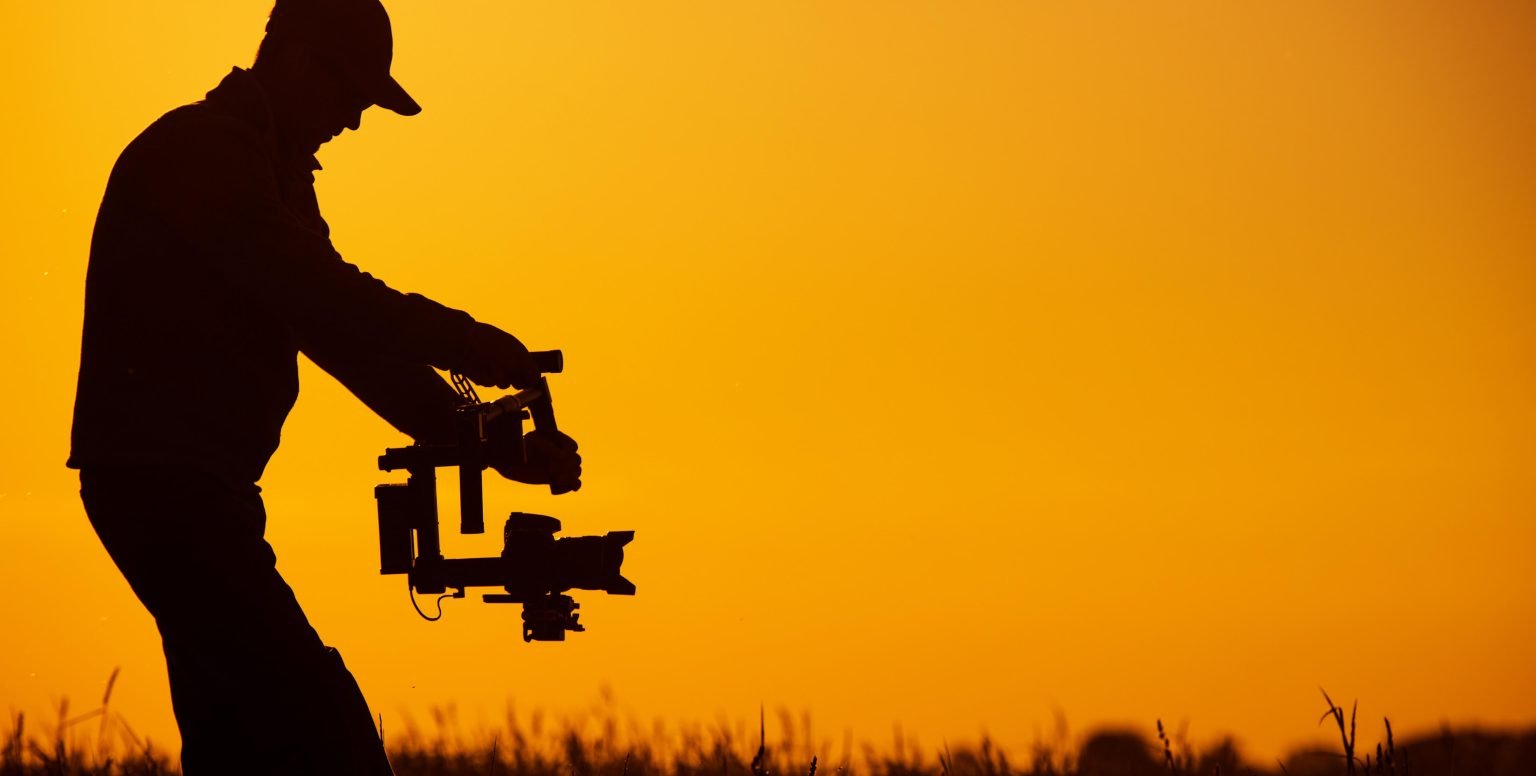
Location Prep
Clean and organize the shooting location. Remove any unwanted objects from the frame and set up props or set decorations.
Lighting Setup
Arrange lights for the desired mood and look. This might involve natural lighting, LED panels, softboxes, reflectors, etc
Sound Check
Test mics to ensure they're capturing clear audio. Position boom mics appropriately, and attach lavalier mics to talent if required.
Camera Setup
Choose the correct lens and set the camera on a tripod, dolly, jib, or other stabilizing gear. Adjust camera settings like white balance, ISO, shutter speed, and aperture.
Blocking & Rehearsal
Have actors or models run through their actions and lines. The director might adjust their positions or movements to better suit the camera angles and story.
Shooting
Under the director's guidance, scenes are filmed multiple times from various angles to ensure the best takes are captured. The continuity person ensures that details remain consistent from shot to shot.
Sound Recording
The sound crew captures dialogues and ambient sounds. Sometimes, a separate audio recorder is used for higher quality
Monitoring
Using video monitors, the director and cinematographer check the quality of shots. This ensures framing, focus, and movements are as intended
Notes & Logging
The script supervisor or an assistant keeps track of which takes were the best and any deviations from the script. This will be invaluable during editing.
Data Management
Footage is transferred from memory cards to hard drives or computers. Backups are made to ensure data safety.
Equipment Pack-Up
All gear is safely packed and accounted for
Location Restoration
If you've moved or adjusted anything on location (especially if it's not a dedicated set), ensure everything is returned to its original state.
Throughout the production day
there can be unexpected challenges such as weather changes, equipment malfunctions, or delays. Being prepared with contingency plans and having a problem-solving mindset is essential.
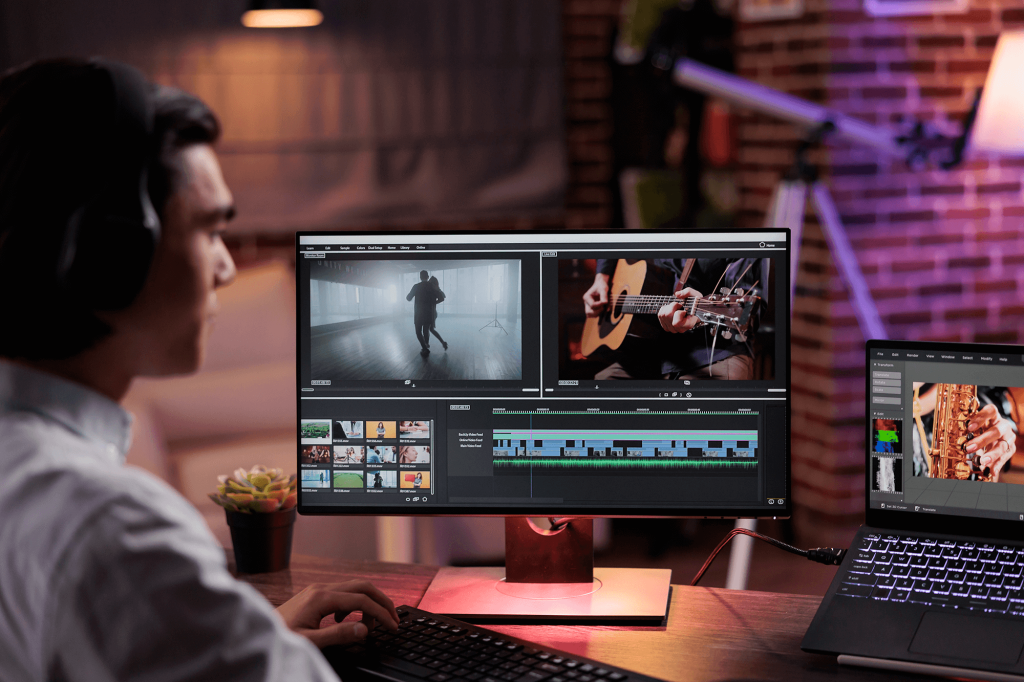
Rough Cut
Start with a basic assembly of your chosen clips in the timeline, in line with the script and storyboard. This gives a broad structure of the final video.
Fine Cut
Refine the rough edit by adjusting the timing, pacing, and flow. Transitions between scenes are smoothened, and unwanted sections are trimmed.
Final Cut
Finalize the edit, ensuring it's polished and aligns with the vision of the project
Dialogue Editing
Clean up the spoken lines, removing unwanted noises, and ensuring clarity.
Sound Effects (SFX)
Add additional sounds that weren't captured during the shoot but enhance the narrative or scene.
Ambient Sound & Room Tone
Insert background noise or ambiance to maintain audio consistency and immerse the viewer
Music
Incorporate background music or a score. This can be original compositions, royalty-free tracks, or licensed music.
Mixing
Balance all the audio elements for consistent levels, ensuring that nothing is too loud or too soft compared to the other elements.
VFX
Add any special effects that enhance or alter the footage, such as explosions, digital doubles, or set extensions.
Motion Graphics
Create and insert dynamic text, logos, or other animated elements.
Compositing
Integrate VFX and graphics seamlessly into the footage.
Correction
Adjust the footage to achieve a consistent and neutral look, correcting any color imbalances or exposure issues.
Grading
Stylize the footage to achieve a specific mood or tone, enhancing the storytelling aspect.
Design and integrate
opening titles, closing credits, and any on-screen text necessary for the video.
Client/Producer Review
Share the edited video for feedback. This might require several rounds, depending on the project.
Revisions
Make adjustments based on the feedback received.
Quality Check
Review the video in detail for any issues, such as glitches, sync problems, or missed edits.
Rendering
Process the video into its final form.
Exporting
Convert the video to the desired formats and resolutions suitable for its intended platforms (e.g., web, broadcast, cinema).
Distribution
Deliver the video to the client or distribute it to the intended platforms.
Archive
Store all raw footage, project files, and the final video securely. It's a good practice to keep multiple backups, including one off-site
Metadata
For digital platforms, optimize titles, descriptions, tags, and metadata to ensure discoverability.
Thumbnails
Craft compelling thumbnails or posters that entice viewers to click on your video.
Subtitles & Captions
Enhance accessibility and broaden your audience by adding subtitles or captions, especially for platforms where videos auto- play silently.
Localization
If you're targeting different regions or countries, consider translating or dubbing your video content.
Scheduling
Decide the best time to release the video based on audience behavior and platform-specific insights.
Phased Release
For larger campaigns or series, consider releasing content in phases or episodes to maintain audience engagement over time.
Promotion
Plan for teasers, trailers, or promotional snippets to build anticipation.
Cross-promotion
Use your presence on various platforms to promote your video. For instance, use Twitter or Instagram to direct followers to a YouTube premiere.
Community Management
Engage with your audience by responding to comments, questions, and feedback.
Calls to Action (CTAS)
Encourage desired actions, whether it's subscribing, sharing, visiting a website, or buying a product.
Moderation
Ensure the discussion remains positive and constructive. Remove spam or inappropriate comments
Ad Revenue
If your platform allows, earn revenue through ads displayed before, during, or after your video.
Sponsored Content
Collaborate with brands or sponsors and integrate their products or messages into your video content.
Affiliate Marketing
Promote products in your video and earn a commission for every sale made through your referral.
Analytics
Use platform-specific analytics tools to track views, engagement metrics (likes, shares, watch time), demographic data, and more.
Feedback Loop
Understand what's working and what's not. Use these insights to inform future video projects or adjust your current distribution strategy.
Report
If you're working for a client, regularly update them with performance metrics and insights.
Archive
Ensure you have a safe, organized copy of the final video, along with any promotional materials or variations created for distribution.
Repurpose
Consider how the video content can be adapted or reused for other platforms or purposes in the future. E.g., a long-form video could be cut into shorter clips for social media.